← Workshop

Workshop 5

Playful Approaches, Creative Code, AI Policy

Wednesday, July 8, 2026 · 10 AM – noon · CHDR

Part 1

Building Tools for Research & Pedagogy

Where the data comes from, and what small, single-purpose research tools look like in practice.

Demo

Finding Data

Sarah Norris

Sample Tools by Mel Stanfill

  • github.com/mstanfill — research scrapers built as small, public, single-purpose tools.
  • AO3, Bluesky, Tumblr, Reddit, fan-fiction metadata — each tool scoped to one corpus.
  • The model for what you're building: specific, open, made to do one thing well.
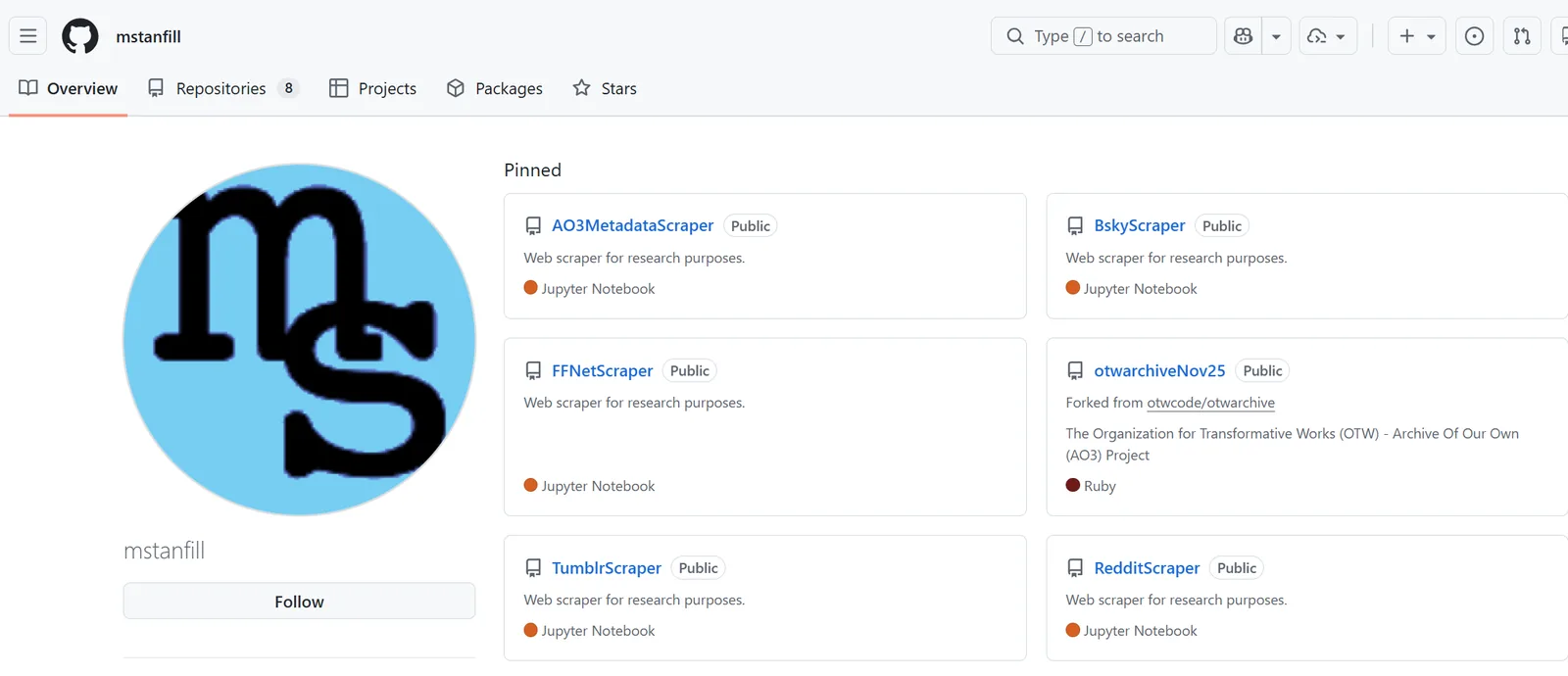
Mel Stanfill's GitHub profile showing pinned research scraper repositories

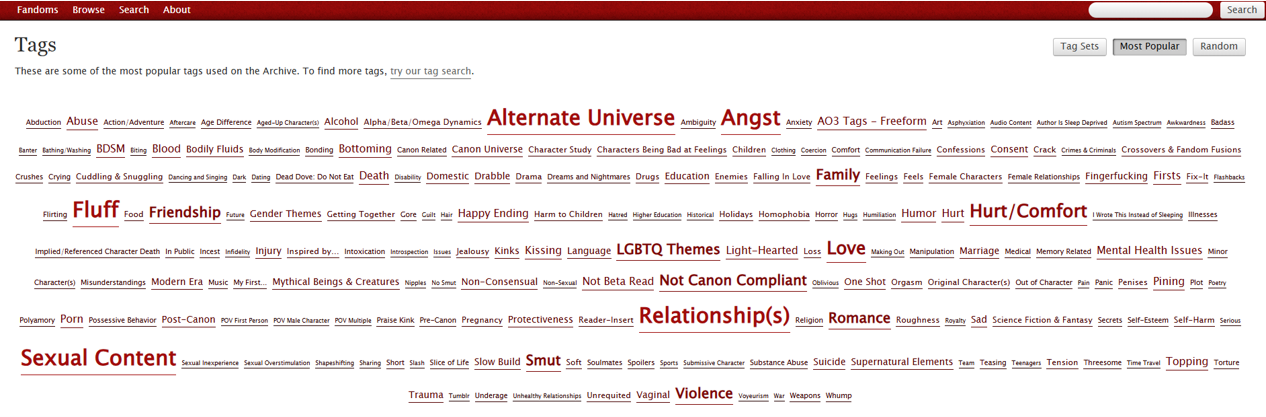
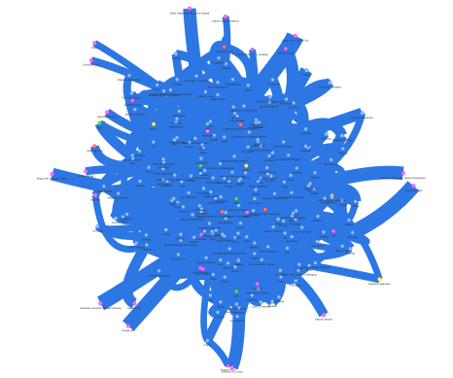
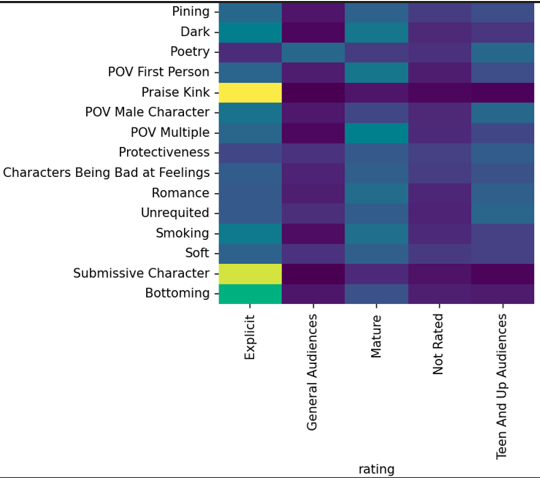
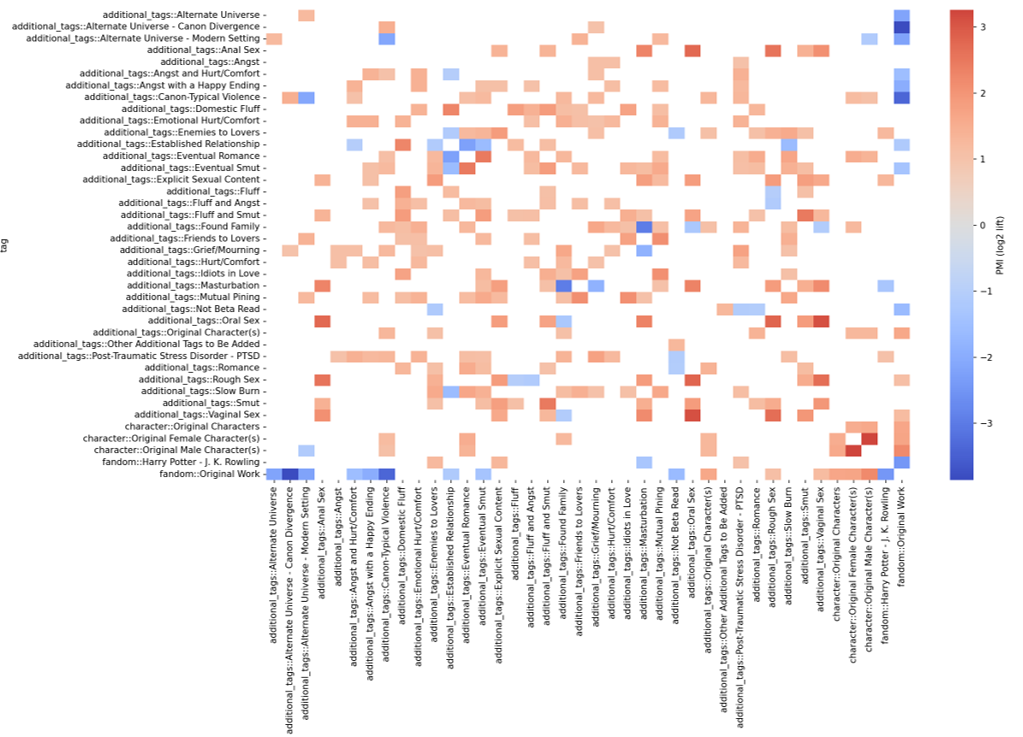
Demo · AO3 Tag Crawler

Iteration is the method

  • One project folder, dozens of versions: the scraper to v5, the visualizer to v9, the analysis to v5.
  • Error logs and CSVs pile up alongside the notebooks — a record of the conversation.
  • Nothing here was right the first time. That's not failure; that's the workflow.
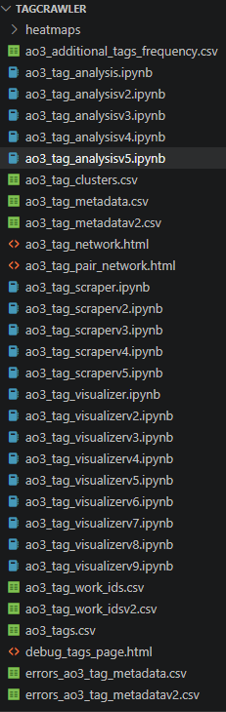
VS Code file tree showing many versioned scraper, analysis, and visualizer files, from v1 up to v9, from iterative AI-assisted coding

Part 2

Building Games & Course Resources

From research tools to course artifacts. Play makes the labor of iteration visible and survivable.

The road so far

  • Textual (Workshops 1–2): close reading at corpus scale with Projects.
  • Visual (Workshop 3): image-to-text and alt-text with Artifacts.
  • Procedural (Workshop 4 → today): you're now building things that run.

What we're building toward

  • Small. Strange. Made for one course or one corpus.
  • Not an app. Not a startup. A pedagogical artifact.
  • Survives because it's specific. Travels because it's open.

What we are building toward

The Paperclip Maximizer (and other thought experiments)

  • decisionproblem.com/paperclips — the playable form of an alignment thought experiment.
  • Not a prediction. A teaching tool for what optimisation without judgement looks like.
  • Useful pairing for any tool you build: what is it optimising for?
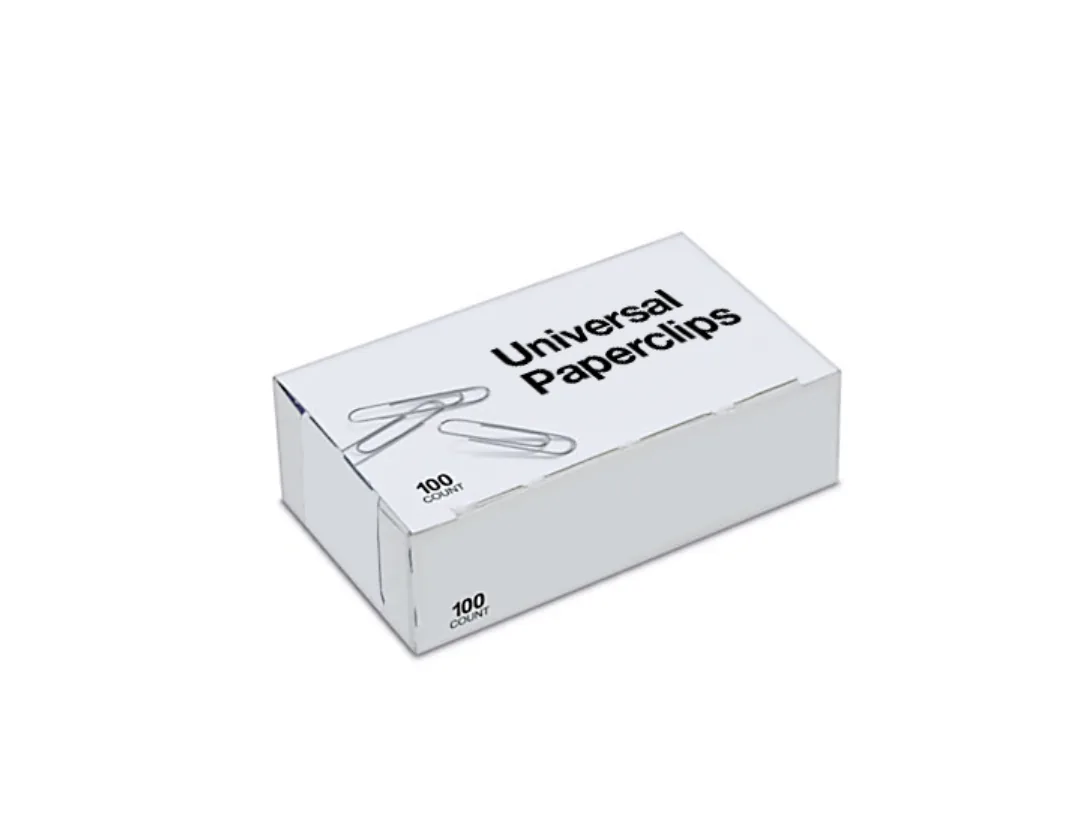
Paperclip maximizer game

Live demo

Live build: a playable Artifact

I take a sample text and build something small and a little strange — a playable artifact you can move through, not just read. Watch how the source text shapes the design.

Pick one (or invent your own)

  • A clickable timeline for a course unit.
  • A game built from something in your course that should be playable — a concept, a decision, a text.
  • A tool that assists your students with some type of work they actually have to do.
  • A generator — Markov mash-up of public-domain text, a centosizer, a found-poetry tool.

Exercise

Build your tool or game

Claude Code Desktop + the Superpowers plugin. GitHub Desktop for the repo, deployed to Pages.

  1. Install the Superpowers plugin and add your customization.
  2. In GitHub Desktop, create a local repository for your project.
  3. Turn on planning mode and describe it: what it is, who it's for, what's strange about it. Confirm the plan before any code.
  4. Build and iterate. Each pass: one specific design decision documented in the conversation.
  5. Commit in GitHub Desktop and deploy to Pages. Save the URL — you'll share it in the discussion.

Demo

Tool: Canvas

Part 3

AI policy drafting

Pivot to the syllabus question. Working in pairs, draft (or revise) a one-page course AI policy.

What a policy has to address

  • Copyright & attribution. What gets cited, what gets refused.
  • Accessibility. Including AI as a tool for accessibility, not just a problem.
  • Equity of access. Who pays for Pro? Are alternatives provided?
  • Labor. Whose labor is being replaced or extended?
  • UDL. Multiple means of engagement, representation, action/expression.
The most common mistake in AI policies is treating them as a fence. The students who most need clear AI guidance are the ones least likely to ask. A policy framed as invitation (here is when AI use is welcome, here is how to attribute it, here is what to do if you are unsure) reaches those students. A policy framed as prohibition drives them underground.

— Pedagogical note for Workshop 5

The frame you're drafting inside: UCF and agentic AI

  • UCF IT: agentic coding tools (Claude Code, Cursor) approved only for unrestricted data — infosec.ucf.edu/document/ai-guidance.
  • AI for All: agents can “complete online assignments and discussion board posts” — avoid them on UCF devices and data.
  • An agent doing the coursework meets UCF's definition of academic misconduct. Your policy can hinder or encourage — name the line and the welcome.
  • These questions remain unresolved — the answers will vary by discipline and by context.

UDL as the frame

  • Engagement: AI can help students enter material in their own way.
  • Representation: AI can re-present the same content in alt-text, plain language, captions.
  • Action/expression: AI can scaffold the output — a draft, a summary, a frame.
  • Universal Design for Learning is not a permission slip. It's a structure.

Exercise

Draft your AI policy

One page. Bring it to the discussion.

  1. Pick a course you teach (or plan to teach).
  2. Address the five axes above (copyright, accessibility, equity, labor, UDL).
  3. Frame at least one paragraph as invitation: when is AI use welcome?
  4. Include attribution language: how should students cite AI use?
  5. Include a question: what should a student do if they're unsure?

Part 4

Read each other's policies

Trade with the person next to you. Read for the invitations. Read for the enforcement spots that hide in the language. Read for what's missing.

Where the discipline is, January 2026

Looking ahead

  • Async Week 10: UDL and AI Policy — refine the draft you wrote today.
  • Workshop 6 (Week 11): the agentic horizon — Claude CLI, MCP, local models, Ollama. Tour, not tutorial.
  • Bring all three artifacts (ePortfolio, playful tool, AI policy) to Workshop 6.

Small is good

Delight, weirdness, and clarity over scale. The tool you built today doesn't have to scale. It has to belong to your students.