Johnson & Salter — separating games-for-learning hype from value
There has been a lot of hype around games for learning — it matters to separate the hype from what’s actually useful.
Mainstream and commercial games aren’t optimized for learning, and they carry assumptions about the “default” player that can be exclusionary.
Some educational games are just memorization — a less effective way to learn most topics.
Characteristics of Playful Pedagogy
Johnson & Salter — what makes play pedagogically useful
Is inclusive and diverse.
Questions dominant culture; provides opportunities to think beyond it.
Deemphasizes or reframes failure — success is defined as improving or learning from failure.
Promotes questioning, exploration, and creative solutions.
Presents unstructured, complicated problems to solve.
Follows constructivist (or socio-constructivist, humanist, or connectivist) learning theory.
Create Games for Your Course
Johnson & Salter — why build playful artifacts
“Art, pretend, and play allow us to imagine: to try on new ways of thinking and to fail without detrimental consequences. These are the key aspects of games and playful learning that should be the focus of our pedagogy.”
— Johnson & Salter, p. 111
Games let students consider perspectives, and low-stakes failure is built in.
Games can let you frontload labor: once it’s built, using it in class doesn’t take as much effort.
“Creating their own games to teach or demonstrate a course concept provides students with autonomy and responsibility for their own education as well as motivation that is likely to keep them engaged in the learning task.”
— Johnson & Salter, p. 113
Even if the game isn’t very good, students learn in the process of making it.
Students can design a game without building it and still get many of the same benefits.
Process-over-product — or setting the bar at “proof of concept” — can decrease anxiety.
Student-Made: “I Look”
UCF Climates of Change exhibit — Donley
From the UCF Climates of Change media-arts exhibit —
open in a new tab
Student-Made: “Throughlines”
Mirek Stolee — a concept expressed as a playable system
Johnson & Salter — and where AI lowers the barrier
“Like any educational activity, learning games take time and careful thought to design well.”
— Johnson & Salter, p. 114
This is a place AI can help: offload the building so you can focus on the conceptual and content work.
Hesitant to assign a technology you don’t know well? AI can help level that playing field for you and your students.
Are We Teaching for Our Students?
Houshyar — Universal Design for Learning
Houshyar’s opening anecdote raises a key question: Are we teaching for what our students need, or for how we learn/were taught?
UDL is “a set of guiding principles that aims to address the diversity of student needs by ensuring that our course and lesson designs are accessible to all students.”
— Houshyar
UDL is rooted in disability rights.
The goal is to “remove barriers to learning … so that students have the agency, freedom of choice, and sense of empowerment to engage with the material on their own terms.”
The Three UDL Principles
Houshyar — multiple means of…
Engagement — lets students contend with why they’re learning this and develop affective attachments to the content.
Representation — lets students recognize and organize the content they’re presented with in a systematic way.
Action & Expression — enables students to contend with how they’re learning, giving them metacognitive recognition.
UDL + Backwards Design
Houshyar — the questions to ask
Backwards Design asks:
What do we want students to get out of this semester-long experience? What goals should they accomplish?
What activities, materials, or assignments will get them there?
UDL adds:
What barriers might prevent students from accomplishing these goals?
How can I lower those barriers — e.g., multiple formats, options for assignments?
How can I design the course so it fosters a “pleasurable experience” for students and me — opening possibilities for mutual transformation?
Limits of UDL
Houshyar — where it gets hard
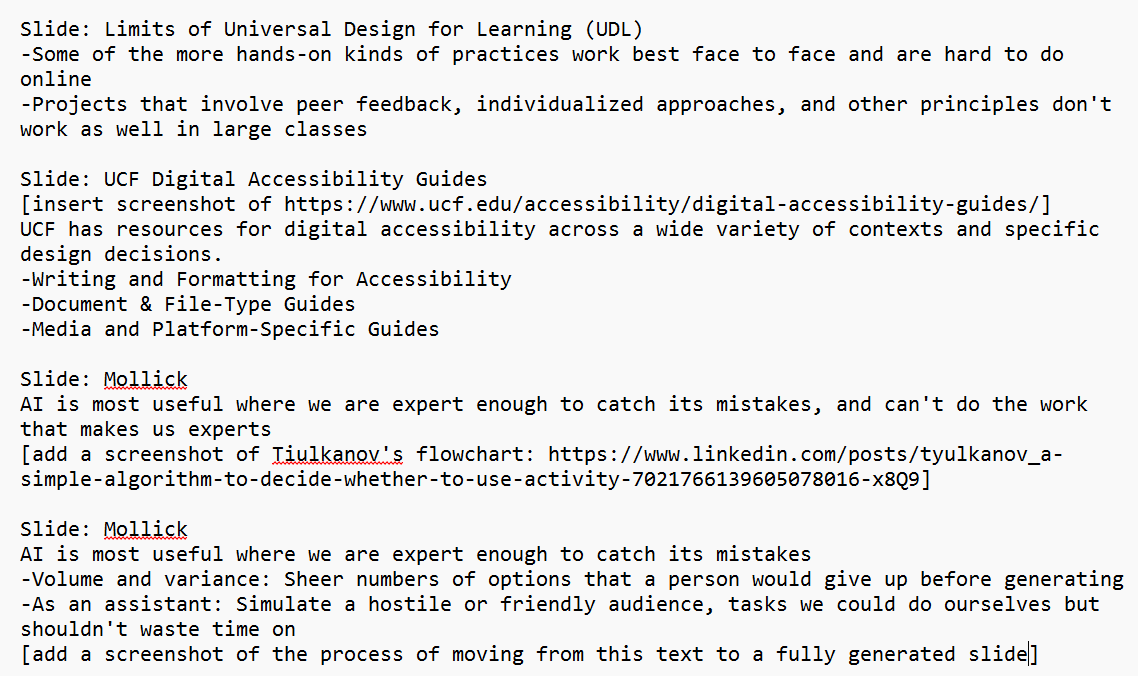
Some of the more hands-on practices work best face to face and are hard to do online.
Projects built on peer feedback and individualized approaches don’t scale well to large classes.
Mollick is a business professor: efficiency and entrepreneurial framings matter more to him than deep, careful thinking and writing.
There is a compounding risk of AI errors across chains of tasks — check as you go, not just at the end.
The judgment calls matter: is it really a meaningless drudgery task, or is it the work that builds understanding?
This Week
Workshop Exercise — Playful Approaches and Creative Code (30 points, due Sunday, July 12). Draft an AI policy statement for your course syllabus that addresses copyright and attribution for AI-generated content. Then critically evaluate it: how does it handle copyright, accessibility, equity of access to AI tools, and the labor behind the models? Apply UDL — does your design offer multiple means of engagement, representation, and action/expression? Keep the student in mind: does the policy leave room for play and experimentation, or lean toward prohibition and restriction? How would it shape students’ attitudes toward the kind of work we’ve done with Claude Code? Reply to at least two peers, responding to their policies from a student’s perspective.
NEH Workshop 5 (July 8, 10 AM–noon, CHDR). Attendees extend the exercise; others complete it asynchronously.
Readings: Johnson & Salter, “Designing Playfully for a Distant Future”; Houshyar, “Universal Design for Learning”; UCF Digital Accessibility Guides (skim); Mollick, “15 Times to Use AI, and 5 Not To.”
See weeks/week-09.md on Canvas for the full guidelines and reading links.